You speak.
Your script follows.
Voice mode matches your speech to the script and helps you keep your place. Russian and English, powered by Apple speech recognition.
TELEPROMPTER FOR IPHONE AND IPAD
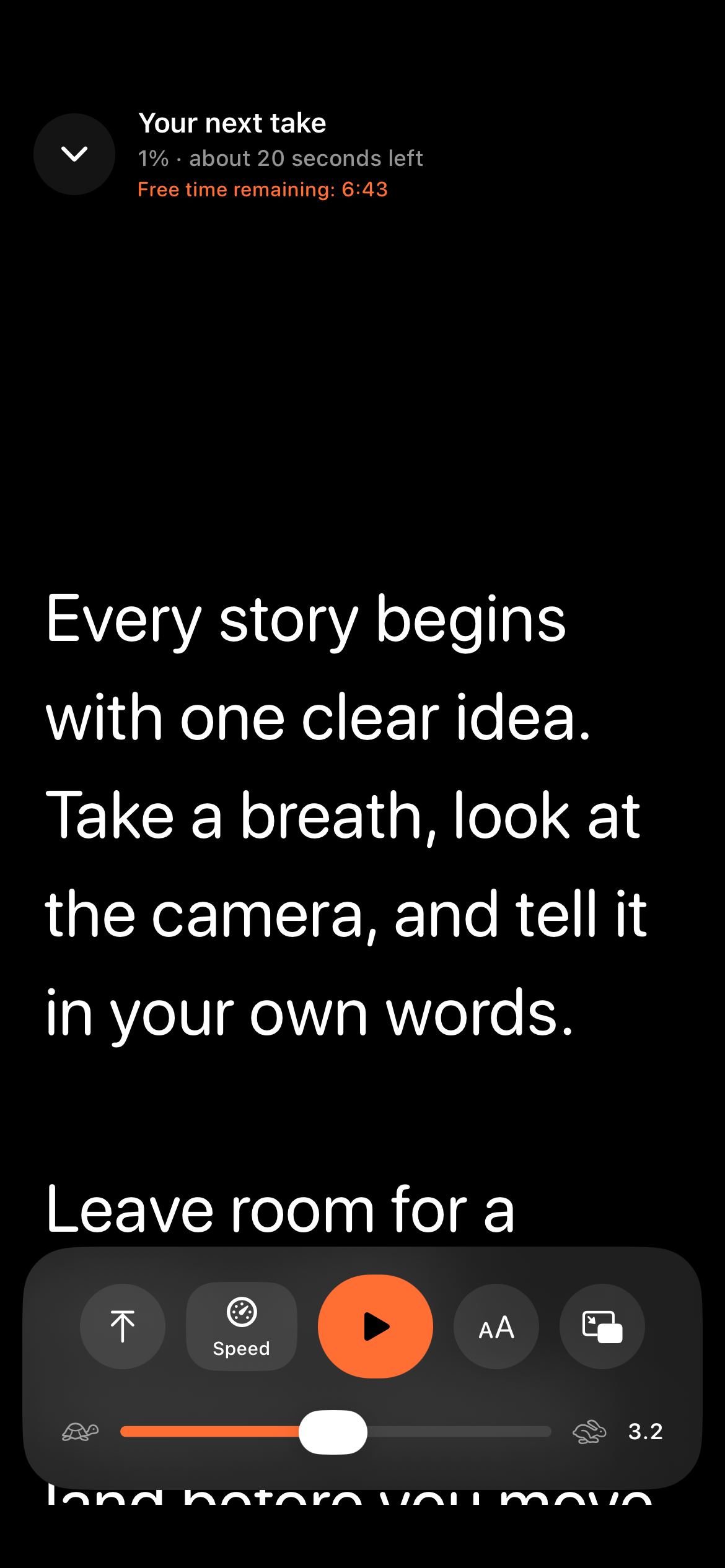
Your script in sight. Your mind on the story. Gazelo helps you read with confidence: follow your voice or choose a steady scrolling speed.
Your first 10 minutes of reading are free
For iPhone and iPad · iOS / iPadOS 17+
GAZELO
Voice mode matches your speech to the script and helps you keep your place. Russian and English, powered by Apple speech recognition.
Automatic scrolling at your chosen speed. Pause or jump to a word whenever you need. For rehearsals, recordings and presentations.
FROM FIRST THOUGHT TO FIRST TAKE
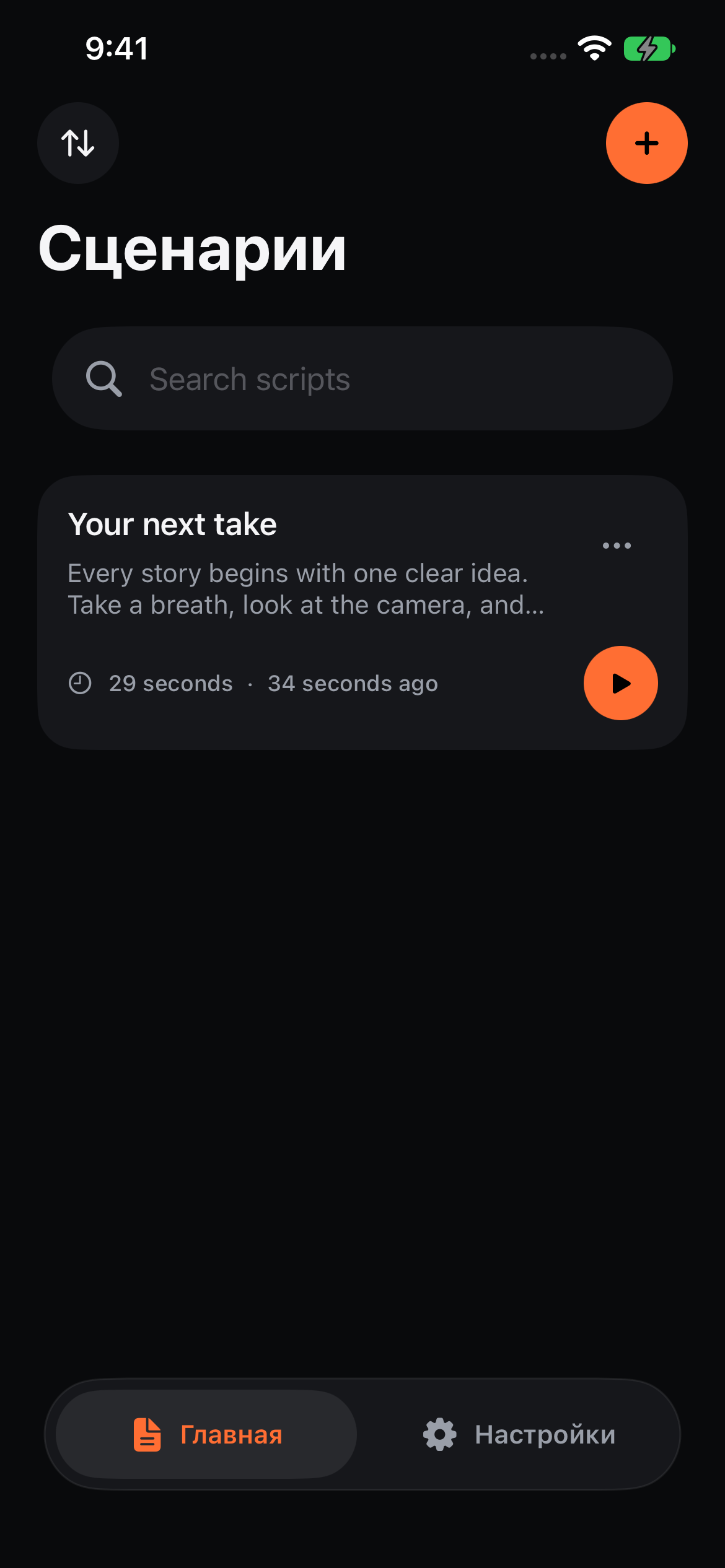
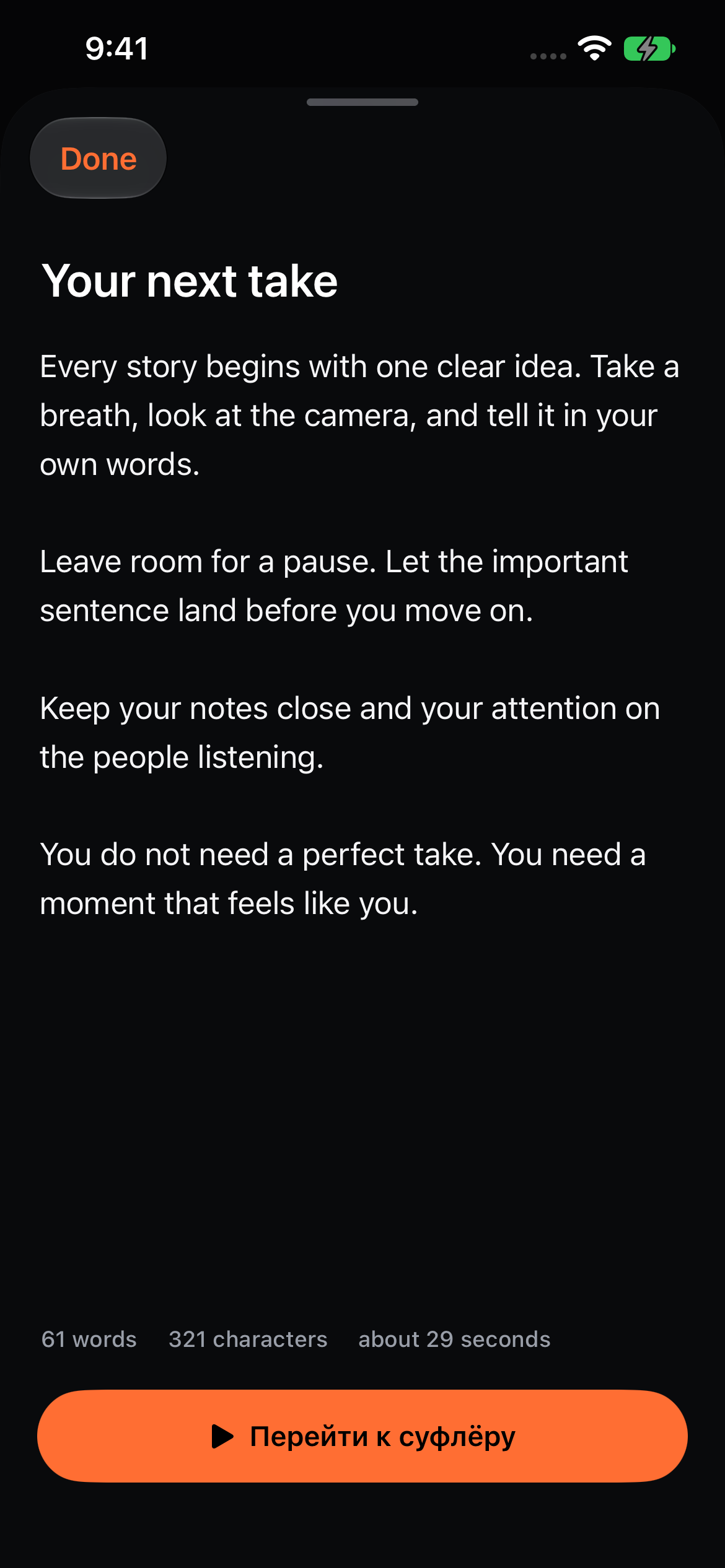
Create a script, paste your text and keep your material organized in folders.
Choose your text size, spacing, alignment and mirrored layout.
Open the teleprompter, choose voice or speed, and start reading.
FEWER DISTRACTIONS. MORE YOU.
Open your script in Picture in Picture while using another app. Availability and behavior depend on your device and iOS.
Large text, adjustable spacing and mirroring for reading from a screen or teleprompter glass.
Folders, search, sorting and a saved reading position. Find the right material before you record.
With iCloud enabled, scripts sync through your private CloudKit database between compatible devices.
START WITH YOUR FIRST SCRIPT
This is your total free reading allowance on the device. Scripts and folders remain available afterwards. For continued scrolling, choose the access that fits you in the app.
For your next project
For a regular recording routine
One payment for lasting access
Weekly and yearly subscriptions renew automatically until canceled in Apple Account settings. The price for your region appears before purchase. A lifetime purchase does not cancel an existing subscription.
You get 10 minutes of total active reading time on the device. Time is counted while Play is active, including when voice mode is waiting for speech. Paused time does not count. This is not a daily allowance or a subscription free trial.
Gazelo is designed for iPhone and iPad with iOS / iPadOS 17 or later. Voice mode supports Russian and English. Recognition availability depends on the system, language and installed speech resources.
The app uses Apple Speech. Recognition runs on the device in compatible configurations; otherwise, audio and up to 100 contextual script words may be processed by Apple systems. Gazelo does not create audio recordings or send speech to its own server.
Picture in Picture depends on your device, iOS and the other app. A camera or another app may take the microphone or interrupt the audio session. Test your setup in advance and use automatic scrolling when needed.
Open the access screen in Gazelo and choose Restore Purchases with the same Apple Account. Cancel automatic renewal in Apple subscription settings. Paid access continues until the end of the paid period.
On your device and, with iCloud enabled, in your private CloudKit database. Gazelo has no separate user account or script-storage server. Keep a separate copy of important scripts.
GAZELO
Gazelo is preparing for its App Store release. Have a question about the app? Get in touch.
Get in touch